
1. Introduction: Speed vs. Interface—Choosing Your Mobile Display
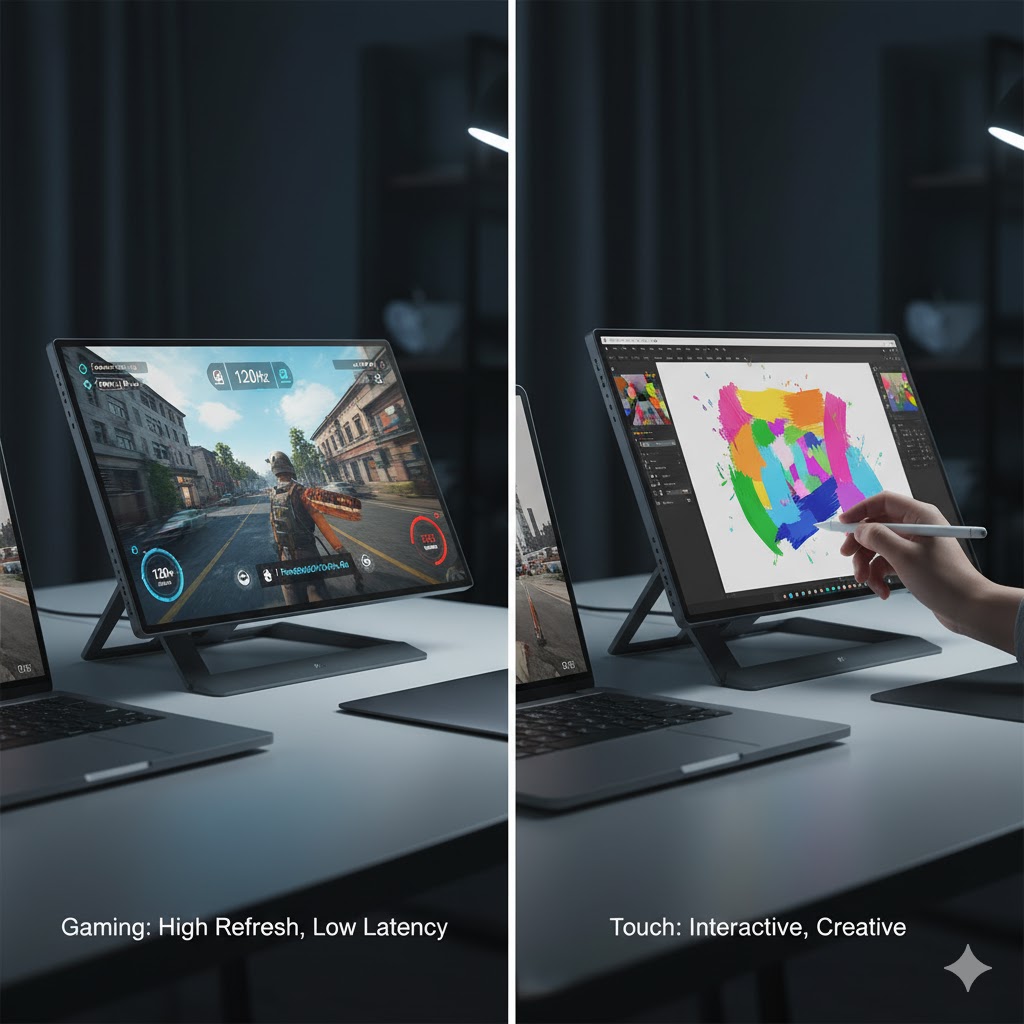
For the digital nomad, traveling gamer, or mobile professional, a portable secondary monitor is essential. But the market has split into two distinct paths: the Portable Gaming Monitor, prioritizing refresh rate and response time, and the Portable Touch Monitor, prioritizing intuitive control and flexibility.
Which one provides the best value and ultimately deserves the title of the Best Portable Secondary Monitor? We put two leading 15-inch class models—one optimized for 144Hz gaming and one for 10-point multi-touch productivity—to the test across five weighted metrics.
2. Head-to-Head Scorecard: The Data
This matrix details the head-to-head performance of the two portable monitor types, scored out of 10 for each category:
| Evaluation Metric | Weight | Portable Gaming Monitor (144Hz) | Portable Touch Monitor (60Hz) | Final Analysis |
| 1. Refresh Rate & Response Time (Speed) | 30% | 9.5 | 6.0 | Essential for competitive gaming and motion clarity. |
| 2. Color Accuracy & Brightness (Visuals) | 20% | 7.5 | 8.5 | Crucial for media consumption and photo editing. |
| 3. Touch Functionality & Accuracy (Productivity) | 25% | 4.0 | 9.5 | Defining feature for intuitive workflow with design apps. |
| 4. Portability & Power Consumption (Travel) | 15% | 8.0 | 7.5 | Thinness, weight, and single USB-C power capability. |
| 5. Price & Value (Budget Focus) | 10% | 8.5 | 7.0 | Scoring based on the value delivered within its price segment. |
| TOTAL WEIGHTED SCORE | 100% | 7.40 / 10 | 7.70 / 10 | The Touch Monitor is the overall winner, driven by its high score in the heavily weighted Productivity metric. |
3. Deep Dive: Latency, Refresh Rate, and the Best Portable Secondary Monitor for Gaming (Metric 1 & 2)
For gamers, the only metric that truly matters is speed (Metric 1).
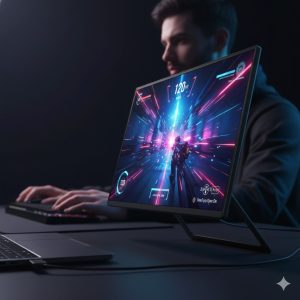
- The Gaming Advantage (Score 9.5): A portable gaming monitor achieves its high score by offering a minimum of 120Hz, often reaching 144Hz or higher. This high refresh rate, coupled with a 3ms or 1ms response time, provides superior motion clarity and minimal input lag. This makes it the clear choice for competitive play on the go (e.g., connected to a Nintendo Switch, PS5, or gaming laptop). In short, it’s a dedicated tool for low-latency visual performance.
- Touch Monitor Drawback (Score 6.0): Most portable touch monitors sacrifice high refresh rates to manage cost and power. They typically run at a standard 60Hz. While perfectly fine for browsing or spreadsheets, this results in visible motion blur during fast-paced games.
However, the tide turns when we look at visual quality (Metric 2). Portable Touch Monitors often feature more robust IPS panels with better factory calibration and wider color gamuts (e.g., 100% sRGB or DCI-P3), scoring higher (8.5) than many budget 144Hz gaming panels (7.5), which sometimes compromise color fidelity for speed.
4. Productivity & Interface Control: Where Touch Excels (Metric 3 & 4)
If your primary need is a versatile second screen for work, the touch interface becomes the decisive factor (Metric 3).
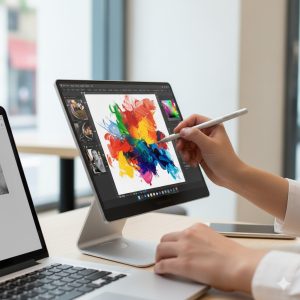
- Touch Monitor Dominance (Score 9.5): The ability to directly interact with the screen via 10-point multi-touch and an active stylus (for supported models) transforms a laptop setup. For designers, annotators, or users running Windows or specific Android/iOS apps, the touch screen eliminates the need for a mouse and provides an intuitive, tablet-like experience. This is the main reason the Touch Monitor secures the overall victory in our weighted analysis.
- Gaming Monitor Deficit (Score 4.0): Portable gaming screens typically lack any touch capabilities, limiting them purely to display output.
In terms of Portability (Metric 4), both types score well, but some ultra-slim gaming monitors designed for power efficiency can slightly edge out the touch models, as the integrated touch panel layer sometimes adds marginal thickness and slightly higher power draw (Metric 4). Both are easily powered by a single USB-C cable.
5. Final Verdict and Use Case Recommendation
The choice between the two is a classic trade-off: speed for gaming or touch control for work. Our weighted scoring shows the Portable Touch Monitor as the narrow winner for the overall Best Portable Secondary Monitor title, driven by its high utility in a key metric (Productivity, 25% weight).
If your secondary monitor will spend 80% of its time as a display for spreadsheets, coding, or media consumption, the Touch Monitor offers a superior, versatile interface. If, however, its sole purpose is to provide a high-refresh companion for console or PC gaming during travel, the dedicated Gaming Monitor is the only acceptable choice.
REALUSESCORE.COM Analysis Scores
| Final Ranking | Product Type | Final Score (out of 10.0) | Best For |
| #1 – Weighted Winner | Portable Touch Monitor (60Hz) | 7.70 | Mobile Professionals, Designers, Annotators. Users prioritizing intuitive interface control and superior color fidelity. |
| #2 – Category Winner | Portable Gaming Monitor (144Hz) | 7.40 | Competitive Gamers, Console Users, or those who demand the absolute lowest input latency for action titles. |