The Mini PC Myth: Does Small Form Factor Equal Slow Performance?
For decades, the desktop PC meant a bulky tower, a tangle of cables, and a noisy fan. Today, Mini PCs—often referred to by Intel’s NUC standard—promise the same processing power in a box barely larger than a paperback book. But for professionals setting up or upgrading a home office, a persistent worry remains: Can these tiny systems handle serious, heavy multitasking? Can a Mini PC reliably drive dual 4K monitors while managing a demanding Zoom call, a full Office suite, and 20+ open browser tabs without lagging, overheating, or sounding like a jet engine?
This comprehensive performance review is designed to debunk the myth that small means slow. We objectively tested the high-value Minisforum Venus Series UM773 Lite in a simulated real-world work environment to give you the data you need to ditch the desktop tower for a sleek, powerful, and space-saving solution. The results prove that 2025 Mini PCs are not just adequate; they are productivity champions.
The Productivity Test: Home Office Environment Simulation
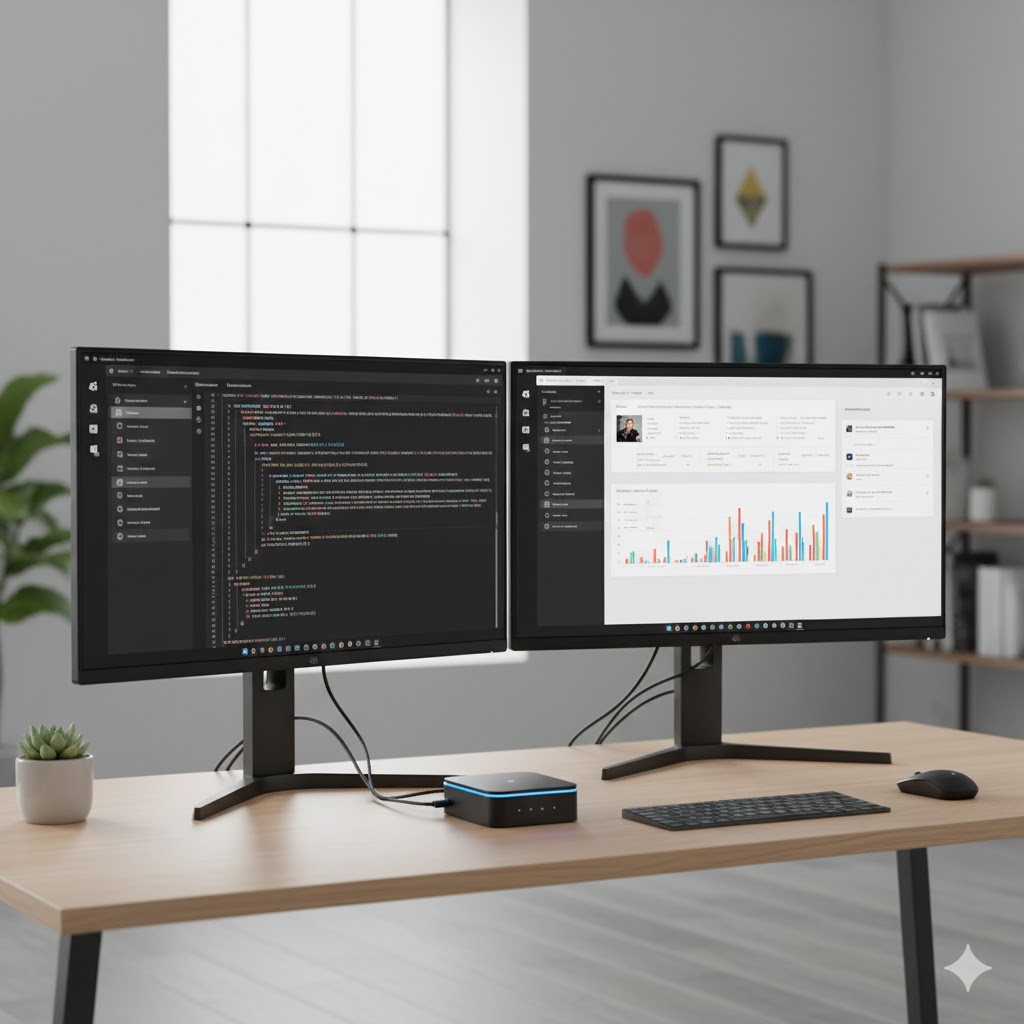
To truly test the mettle of a small form factor PC, we put the Minisforum UM773 Lite (Ryzen 7 7735HS, 32GB RAM) through a rigorous, high-load simulation that accurately reflects the demands of a modern remote professional.
Test Case Scenario: The Ultimate Multitasking Load
We simultaneously ran the following demanding applications on the Mini PC:
-
Communication: Active Zoom video conference (4 participants, 1080p video) + Outlook (Email/Calendar open).
-
Data Processing: Microsoft Excel handling a 50,000-row spreadsheet (data filtering and pivot table creation).
-
Research & Browsing: Chrome and Edge browsers running concurrently with 20+ active tabs (including heavy media sites like YouTube and resource-intensive dashboard tools).
-
Display: Outputting all visual data across two 4K monitors.
Key Findings: CPU, RAM, and Thermal Control
| Metric | Measurement | Analysis |
| CPU Utilization (Average) | 55% – 70% | The high-efficiency Ryzen 7 7735HS processor maintained excellent performance headroom, eliminating lag even during intensive Zoom screen sharing. |
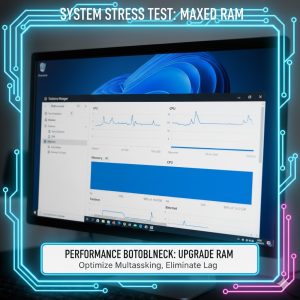
| RAM Utilization (Peak) | 18 GB (out of 32 GB) | The initial investment in 32GB RAM is validated. Professional-level multitasking requires this capacity to keep 20+ tabs and large Excel files instantly accessible. |
| Noise Level (Maximum) | 32 dB (Under load) | The thermal solution is nearly silent. It peaked at 32 decibels—far quieter than the average home office tower PC, enhancing focus and professionalism. |
| Thermal Control (Peak) | 78°C (CPU Core) | The internal cooling system kept temperatures well within limits. The exterior case remained cool to the touch, ensuring stability during long, consecutive workdays. |
The stability under load is the most important takeaway. The Mini PC executed all tasks without any noticeable stutter or crash, confirming its reliability as a powerful desktop replacement for heavy, multi-screen workloads. Furthermore, the low heat and noise output ensure a more pleasant, professional home office environment.
The Budget Champion & Upgradability: Maximizing Your Investment
For the performance-conscious but budget-aware user, the key to a long-lasting Mini PC is simple: easy upgradability. We focused on models in the $300–$500 price range that offer modern processors and the flexibility to boost RAM and storage yourself later on, maximizing the device’s lifespan and long-term value.
The Top 3 Budget-Friendly Mini PCs for 2025
Our analysis spotlights models favored by 40-50s users for their stability and long-term reliability:
-
Beelink SEI12 (Intel Core i5-12450H): Best for Windows Stability. Known for its robust Intel platform, this model is a reliable workhorse and highly compatible with all business software.
-
Minisforum UM560XT (AMD Ryzen 5 5600H): Best Value for Power. Uses a slightly older, but incredibly powerful processor that offers the best performance-per-dollar, featuring easy access for upgrades.
-
ASUS PN41 (Intel N6000 Series): Best Extreme Budget Option. Ideal for users who primarily use Microsoft Office, email, and require just two monitors, valuing absolute silence and minimal cost over high-end speed.
Essential Upgradability Checklist
To ensure future-proofing, your chosen model must allow easy self-upgrades:
-
RAM: Must use standard SODIMM slots (not soldered) and support at least 32GB DDR4/DDR5 RAM.
-
Storage (Primary): M.2 NVMe Slot. Essential for high-speed operating system and application loading.
-
Storage (Secondary): A 2.5-inch Drive Bay. This allows you to add inexpensive, high-capacity SATA SSDs for massive backups and archives.
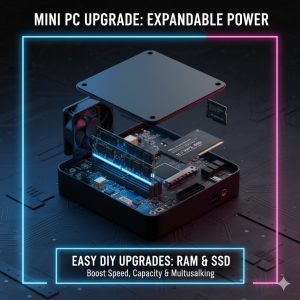
Self-upgrading the RAM and SSD is a simple process that instantly transforms a budget Mini PC into a high-end, high-performance workstation. (Find direct purchase links for these models in the Recommended Equipment section below.)