
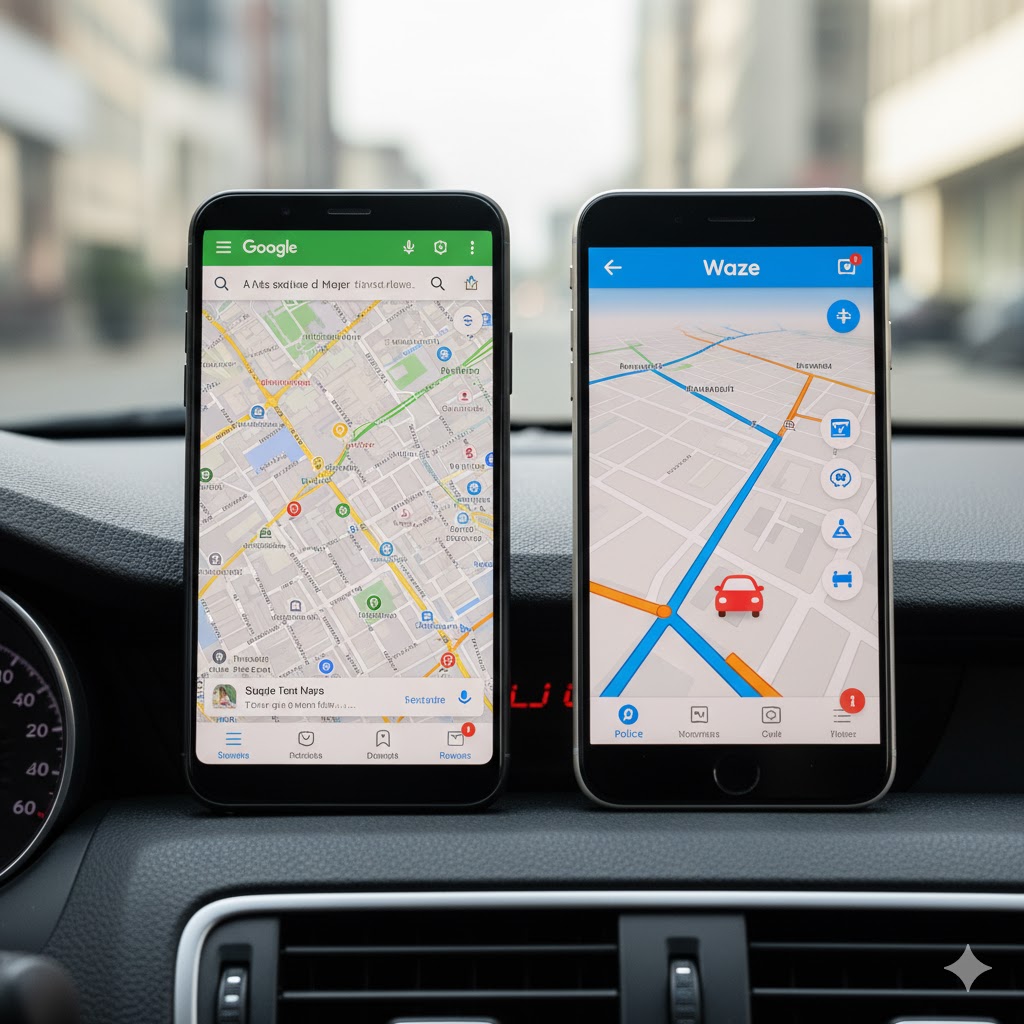
For the daily driver, few apps are more critical than the navigation system. The choice between Google Maps vs Waze is the ultimate dilemma for commuters worldwide. While both are owned by Google, they have distinct philosophies:
Google Maps offers a comprehensive, detailed map of the world, whereas Waze focuses exclusively on getting drivers to their destination the fastest way possible, leveraging real-time, crowdsourced data. This Google Maps vs Waze Commuter Test breaks down the core differences in routing, reporting, and user experience to crown the true winner for your daily drive.
1. The Core Mission: Aggressive Rerouting vs. Measured Consistency
The primary difference lies in how aggressively the apps manage traffic and rerouting. This is the heart of the Google Maps vs Waze Commuter Test.
Traffic & Rerouting Philosophy
- Waze (The Aggressor): Built on community input, Waze is instant and automatic. If it detects a traffic jam, it aggressively reroutes you through side streets or neighborhood alleys without asking for approval. This makes Waze generally better for avoiding unpredictable, suddenly occurring traffic snarls.
- Google Maps (The Planner): Maps utilizes advanced machine learning to predict traffic. It values consistency and road hierarchy. While it suggests faster routes, it usually requires a tap to approve, making its approach less stressful and more reliable for off-peak or longer highway trips.
| Feature | Waze (Crowdsourced) | Google Maps (Algorithm-Driven) | Winner for the Commuter |
| Real-Time Rerouting | Instant & Automatic | Suggested, requires approval | Waze (Faster decision-making when minutes count) |
| Route Predictability | High volatility (aggressively uses side streets) | High consistency (favors main roads) | Google Maps (Less stress on new routes) |
2. Incident Reporting: The Power of the Waze Community
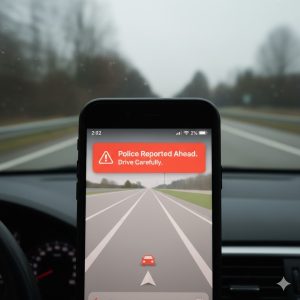
Waze excels where human input is critical: immediate road hazards and law enforcement. This community aspect is a major factor in the Google Maps vs Waze Commuter Test.
- Waze’s Superiority: Waze’s vibrant community of drivers rapidly reports hyper-local, real-time incidents that often haven’t been confirmed by official traffic services. This includes debris, potholes, stalled cars, and, most famously, police presence/speed traps.
- Google Maps’ Catch-up: While Google Maps integrates some Waze data, its native reporting function and overall community engagement remain less active. The alerts on Maps tend to be limited to fixed cameras and major, officially reported incidents.
3. User Experience, Search, and Multi-Modal Travel
Beyond the drive itself, these apps serve different functions.
🔎 Search and Detail (Winner: Google Maps)
Google Maps offers a visually rich, detailed map complete with Street View, comprehensive business listings, reviews, and detailed operational hours. If your commute includes finding a new location or making a stop, Google Maps is the clear winner. Waze’s interface is simpler, designed to minimize visual clutter while driving, but its Points of Interest (POI) search is less robust.
🚶 Multi-Modal Travel (Winner: Google Maps)
Google Maps is an essential tool for all transportation modes, supporting walking, cycling, and public transit (bus/train schedules). Waze is strictly vehicle-focused and does not offer navigation for other modes. It also lacks a robust offline map feature, unlike Google Maps.
Final Verdict: Who Wins the Google Maps vs Waze Commuter Test?
The winner in the Google Maps vs Waze Commuter Test is entirely dependent on your driving personality.
| User Profile | The Better App | Why? |
| Aggressive Commuter | Waze | Prioritizes saving seconds, offers immediate incident warnings, and automatically reroutes. |
| Planner / Long-Distance Driver | Google Maps | Offers more reliable ETAs, superior visual mapping detail (Street View), and consistency. |
| Multi-Modal User (Walk/Transit) | Google Maps | Necessary for all non-driving directions and planning. |
The Real-World Recommendation: Keep both. Use Google Maps for initial route planning, POI searches, and overall map familiarity. Switch to Waze right before your commute starts to gain the aggressive rerouting and real-time hazard alerts that define its superior commuter test performance.