
Introduction: Smart Projectors Becoming More Accessible
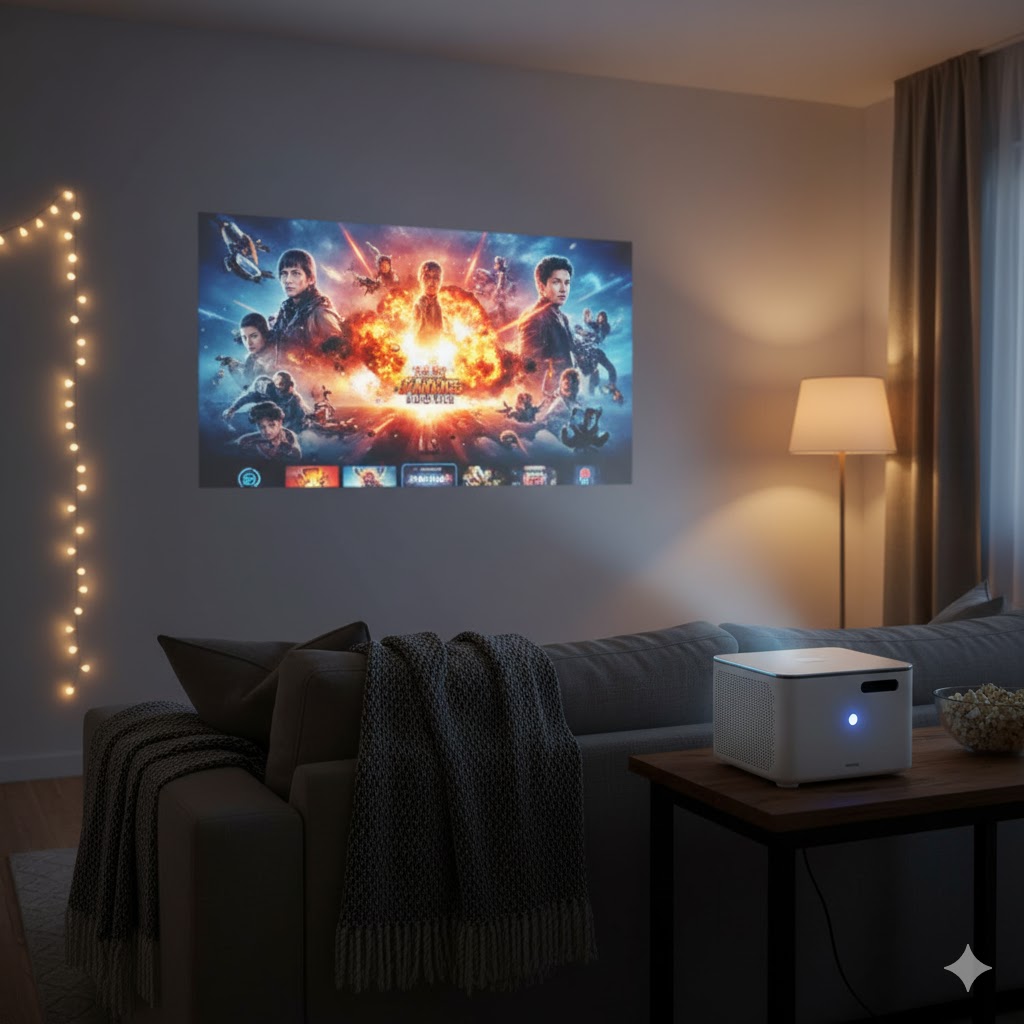
Smart projectors have rapidly grown in popularity as affordable, versatile devices that transform any space into a home theater or workspace.
Especially in the budget segment under $300, manufacturers are packing powerful features and intuitive operating systems (OS) into compact projectors.
Key factors such as built-in OS capabilities and brightness levels determine how well these devices perform in various lighting conditions and usability scenarios.
Operating System: The Heart of Smart Projectors
The OS matters greatly in budget projectors, as it affects app availability, interface smoothness, and connectivity options.
Popular systems include Android TV, Fire OS, and proprietary platforms optimized for easy streaming and multimedia use.
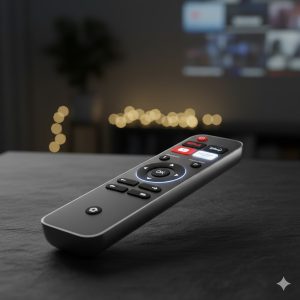
Android TV projectors provide access to Google Play, supporting apps like Netflix, YouTube, and Disney+, often with built-in Chromecast for seamless smartphone casting.
Fire OS models, powered by Amazon, integrate tightly with Alexa and Prime Video, making them ideal for Amazon ecosystem users.
Proprietary OS might limit app selection but are sometimes designed for simpler navigation and focused streaming options.
Brightness and Picture Quality: Key to Usability
Brightness, measured in lumens, determines how well a projector performs in different lighting environments.
Under $300, most smart projectors offer 200 to 400 lumens, suitable for dark or dim rooms but challenged in well-lit spaces.
For casual movie nights and presentations in controlled lighting, 300 lumens or more ensures vibrant, clear images.
Look for models with LED light sources or laser technology for longer lifespan and better color accuracy.
Resolution usually ranges from 720p HD to 1080p Full HD in this price bracket, with some supporting auto-focus or keystone correction for image clarity.
Recommended Models and Features
The Vankyo Leisure 3 and the Anker Nebula Capsule Mini are crowd favorites under $300, balancing OS functionality and decent brightness.
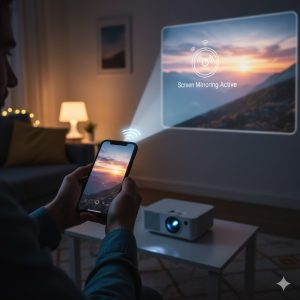
Vankyo’s model runs on a proprietary OS but supports HDMI, USB, and screen mirroring, producing 240 lumens brightness adequate for dark rooms.
The Nebula Capsule Mini uses Android TV, offering seamless app access and Google Assistant integration, though at 100 lumens it suits very dark settings.
Other notable mentions include the AuKing Mini Projector and CiBest Portable Projector, both featuring Android OS and 300+ lumens brightness.
Conclusion: Finding the Best Budget Smart Projector
When choosing a smart projector under $300, prioritize an intuitive OS that matches your content preferences and device ecosystem.
Ensure brightness levels meet your typical usage environment—higher lumens for brighter rooms, lower for darkened spaces.
Additional features like built-in speakers, battery life (for portable models), and connectivity options will enhance the user experience.
Budget-friendly smart projectors now provide impressive performance and convenience, making immersive viewing accessible to all.
REALUSESCORE.COM Analysis Scores: Budget Smart Projectors Under $300
| Metric | Score (out of 10.0) | Note |
|---|---|---|
| Operating System | 8.5 | Smooth UI and good app ecosystem support |
| Brightness (Lumens) | 7.8 | Adequate for dim/dark rooms, less for bright |
| Portability & Design | 8.7 | Compact, easy to move, stylish designs |
| Connectivity | 8.3 | HDMI, USB, cast/mirroring supported |
| Value for Money | 8.9 | Strong features for price point |
| Overall Score | 8.4 / 10 | Solid choice for budget-conscious buyers |